WEBLEB
Inicio
Editora de código
Iniciar sesión
Pro
Español
English
Français
Español
Teclado interactivo
1,227
sergioarmijo30
Abrir en el editor
Publica tu código
1
HTML
Copy
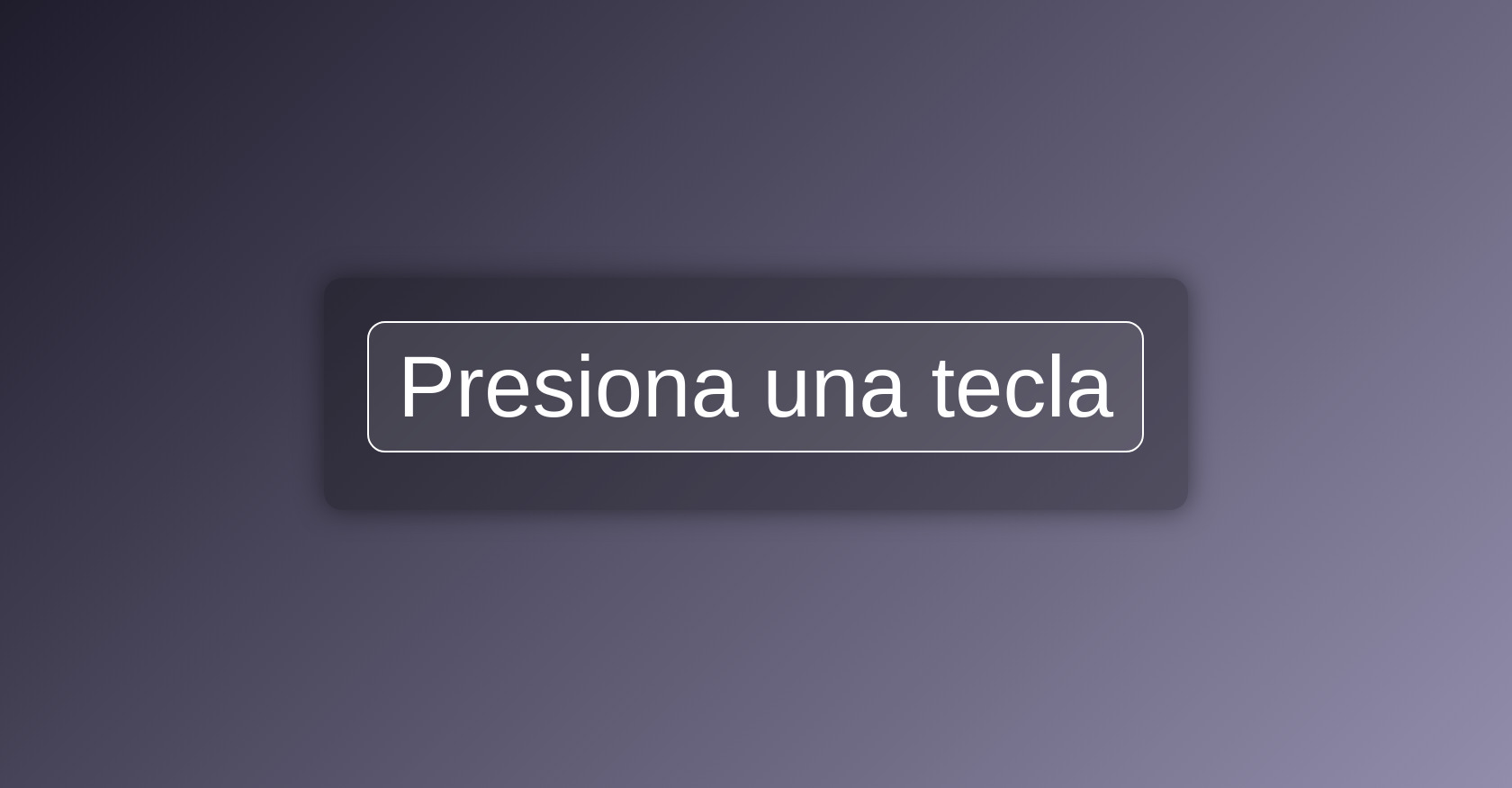
<!DOCTYPE html> <html lang="es"> <head> <meta charset="UTF-8"> <title>Simulador de Teclas</title> <link rel="stylesheet" href="stylos.css"> </head> <body> <div class="container"> <div id="keyDisplay" class="key">Presiona una tecla</div> <div id="info" class="info"></div> </div> <script src="script.js"></script> </body> </html>
CSS
Copy
/* Stylos.css - Estilos para el simulador de teclas interactivo */ body { margin: 0; padding: 0; font-family: 'Segoe UI', Tahoma, Geneva, Verdana, sans-serif; background: linear-gradient(135deg, #1f1c2c, #928dab); display: flex; flex-direction: column; align-items: center; justify-content: center; height: 100vh; color: white; text-align: center; } .container { background: rgba(0, 0, 0, 0.3); padding: 2rem 3rem; border-radius: 20px; box-shadow: 0 0 30px rgba(0, 0, 0, 0.5); transition: all 0.2s ease-in-out; } .key { font-size: 6rem; margin: 1rem 0; padding: 1rem 2rem; background: rgba(255, 255, 255, 0.1); border: 2px solid white; border-radius: 20px; backdrop-filter: blur(10px); display: inline-block; animation: pop 0.2s ease-in-out; } .info { font-size: 1.2rem; margin-top: 1rem; opacity: 0.8; } @keyframes pop { 0% { transform: scale(0.9); opacity: 0.5; } 100% { transform: scale(1); opacity: 1; } }
JS
Copy
// script.js - Simulador de teclas interactivo const keyDisplay = document.getElementById('keyDisplay'); const info = document.getElementById('info'); window.addEventListener('keydown', (event) => { const key = event.key === ' ' ? 'ESPACIO' : event.key.toUpperCase(); keyDisplay.textContent = key; info.textContent = `Código: ${event.keyCode} | Nombre: "${event.key}"`; keyDisplay.classList.remove('key'); // Reinicia animación void keyDisplay.offsetWidth; // Fuerza reflow keyDisplay.classList.add('key'); // Vuelve a aplicar clase });