WEBLEB
होम
संपादक
लॉग इन करें
Pro
हिंदी
English
Français
Español
Português
Deutsch
Italiano
हिंदी
नेविगेशन बार मेनू
1017
kevekıbhack
संपादक में खोलें
Video
अपना कोड प्रकाशित करें
0
अनुशंसित
15 October 2024
पेज के बारे में
12 July 2025
स्पेस बार क्लिक काउंटर - जावास्क्रिप्ट HTML
30 October 2025
CSS सोशल मीडिया नेविगेशन बार
HTML
Copy
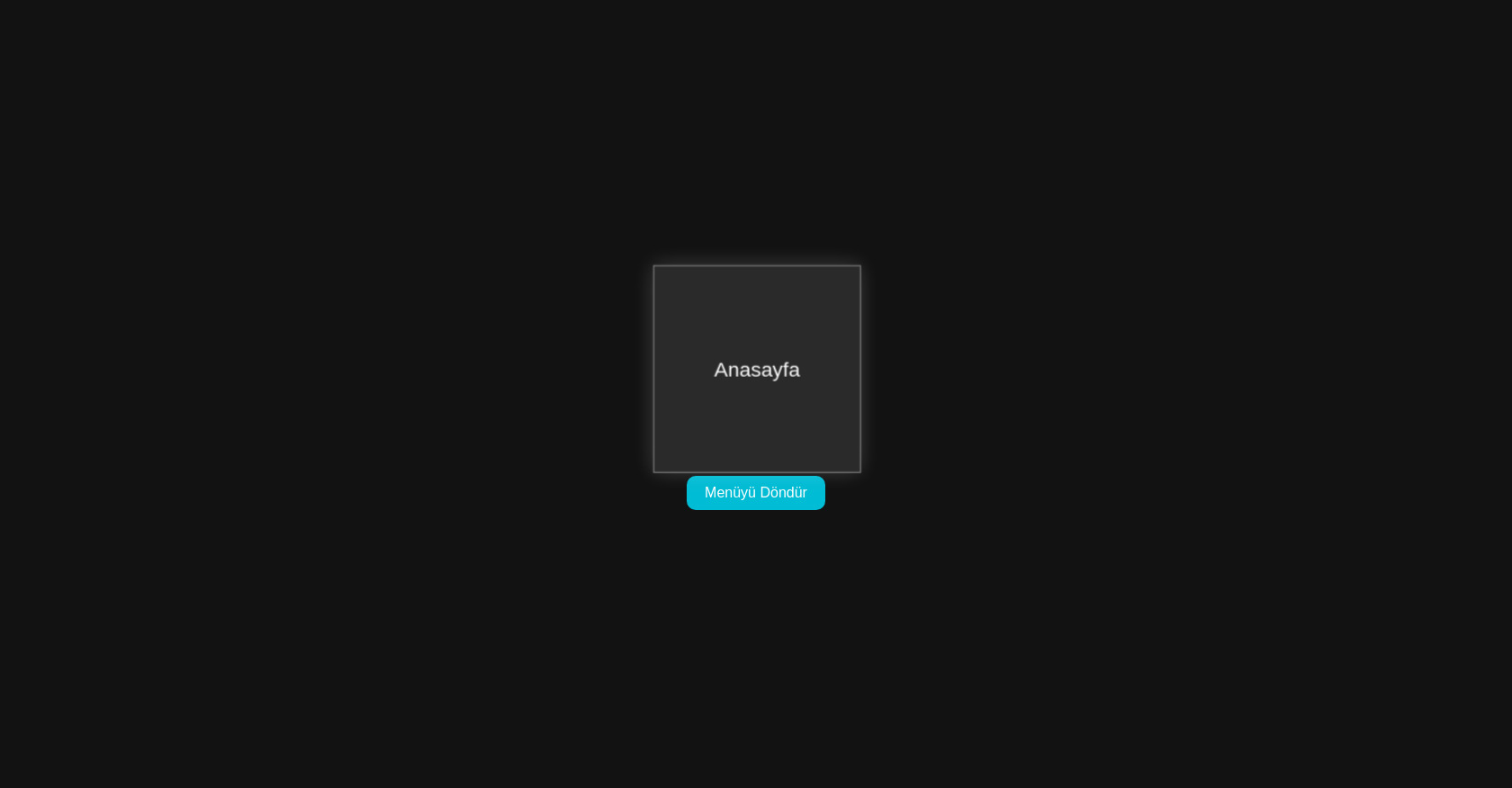
<!DOCTYPE html> <html lang="tr"> <head> <meta charset="UTF-8" /> <meta name="viewport" content="width=device-width, initial-scale=1.0"/> <title>3D kevakıb Menü</title> <link rel="stylesheet" href="style.css" /> </head> <body> <div class="scene"> <div class="cube" id="menuCube"> <div class="face front">Anasayfa</div> <div class="face back">Hakkında</div> <div class="face right">Projeler</div> <div class="face left">İletişim</div> <div class="face top">Blog</div> <div class="face bottom">Çıkış</div> </div> </div> <button id="rotateBtn">Menüyü Döndür</button> <script src="script.js"></script> </body> </html>
CSS
Copy
body { margin: 0; background: #121212; color: white; font-family: sans-serif; display: flex; flex-direction: column; align-items: center; justify-content: center; height: 100vh; } .scene { width: 200px; height: 200px; perspective: 800px; margin-bottom: 20px; } .cube { width: 100%; height: 100%; position: relative; transform-style: preserve-3d; transform: rotateY(0deg); transition: transform 1s ease; } .face { position: absolute; width: 200px; height: 200px; display: flex; align-items: center; justify-content: center; font-size: 20px; background: rgba(255, 255, 255, 0.1); border: 1px solid #888; box-shadow: 0 0 20px rgba(255, 255, 255, 0.2); backface-visibility: hidden; } .front { transform: translateZ(100px); } .back { transform: rotateY(180deg) translateZ(100px); } .right { transform: rotateY(90deg) translateZ(100px); } .left { transform: rotateY(-90deg) translateZ(100px); } .top { transform: rotateX(90deg) translateZ(100px); } .bottom { transform: rotateX(-90deg) translateZ(100px); } button { padding: 10px 20px; font-size: 16px; background: #00bcd4; color: white; border: none; border-radius: 10px; cursor: pointer; transition: background 0.3s ease; } button:hover { background: #0097a7; }
JS
Copy
let angle = 0; const cube = document.getElementById("menuCube"); const rotateBtn = document.getElementById("rotateBtn"); rotateBtn.addEventListener("click", () => { angle += 90; cube.style.transform = `rotateY(${angle}deg)`; });