WEBLEB
Home
Editor
Accedi
Pro
Italiano
English
Français
Español
Português
Deutsch
Italiano
हिंदी
Un codice di ytr3d3
1112
ytr3d3
Apri nell'Editor
Video
Pubblica il Tuo Codice
0
Consigliato
11 June 2025
Un codice di alejandrokundrah
30 January 2026
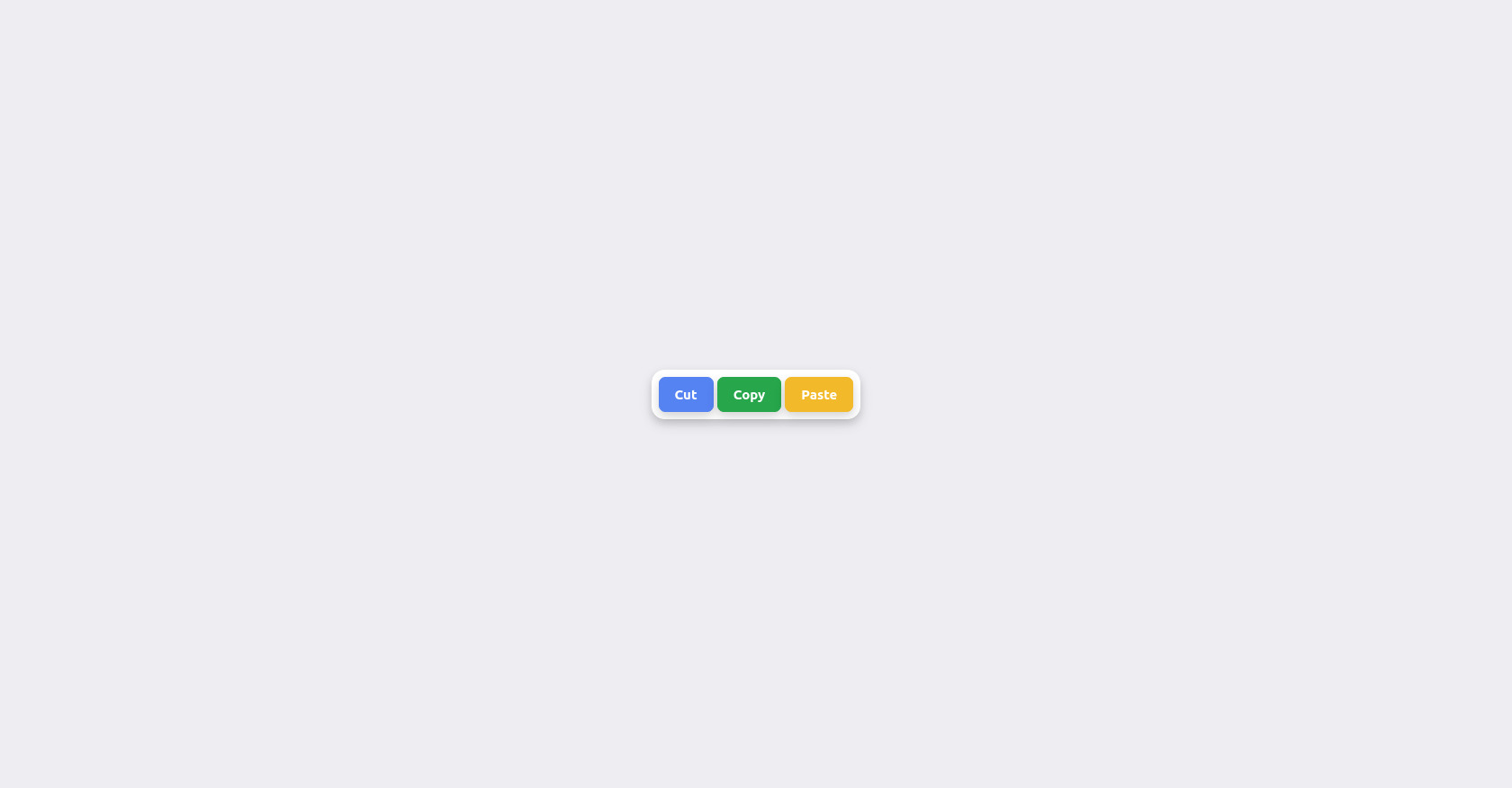
Esempio di codice CSS 3D per smartwatch
16 November 2024
Come creare una barra laterale a griglia in CSS
HTML
Copy
<!DOCTYPE html> <html lang="en" > <head> <meta charset="UTF-8"> <title>CodePen - Challenge 01-1 Multi-Button Animation</title> <link rel="stylesheet" href="./style.css"> </head> <body> <!-- partial:index.partial.html --> <script src="https://kit.fontawesome.com/ade0b34805.js" crossorigin="anonymous"></script> <div class="multi-button"> <button class="button" id="cut"><span> Cut</span></button> <button class="button" id="copy"></><span> Copy</span></button> <button class="button" id="paste"><span> Paste</span></button> </div> <!-- partial --> </body> </html>
CSS
Copy
@import url('https://fonts.googleapis.com/css2?family=Ubuntu:wght@700&display=swap'); body { background-color: hsl(250,17%,94%); height: 100vh; margin: 0; display: grid; place-items: center; } .multi-button { background-color: white; border: 1px solid white; border-radius: 14px; padding: 7px; box-shadow: 0 4px 8px 0 rgba(0, 0, 0, 0.1), 0 6px 15px 0 rgba(0, 0, 0, 0.1); place-items: center; } #cut { background-color: rgb(85,131,241); border: 1px solid rgb(85,131,241); } #cut { background-color: rgb(85,131,241); border: 1px solid rgb(85,131,241); } #copy { background-color: rgb(39,166,75); border: 1px solid rgb(39,166,75); } #paste { background-color: rgb(242,185,42); border: 1px solid rgb(242,185,42); } .button { box-shadow: 0 4px 8px 0 rgba(0, 0, 0, 0.09), 0 6px 15px 0 rgba(0, 0, 0, 0.09); padding: 10px 17px 10px 17px; font: 15px Ubuntu; color: white; border-radius: 7px; } .button span { cursor: pointer; display: inline-block; position: relative; transition: 0.5s; } .button span:after { position: absolute; opacity: 0; top: 0; right: -20px; transition: 0.5s; } .button:hover span { padding-right: 25px; } .button:hover span:after { opacity: 1; right: 0; } #cut span:after { font-family: FontAwesome; content: "\f0c4"; } #copy span:after { font-family: FontAwesome; content: "\f0c5"; } #paste span:after { font-family: FontAwesome; content: "\f0ea"; }
JS
Copy
/* Replace with your JS Code (Leave empty if not needed) */