WEBLEB
Home
AI Editor
Login
Pro
English
English
Français
Español
Português
Deutsch
Italiano
हिंदी
Columns layout
1420
ledoc
Open In Editor
Video
Publish Your Code
0
Recommended
14 January 2026
HTML CSS Sidebar Example Responsive Layout
28 August 2025
CSS Tabs Example: Simple HTML Layout
29 December 2025
HTML Card Layout: French Website Snippet
HTML
Copy
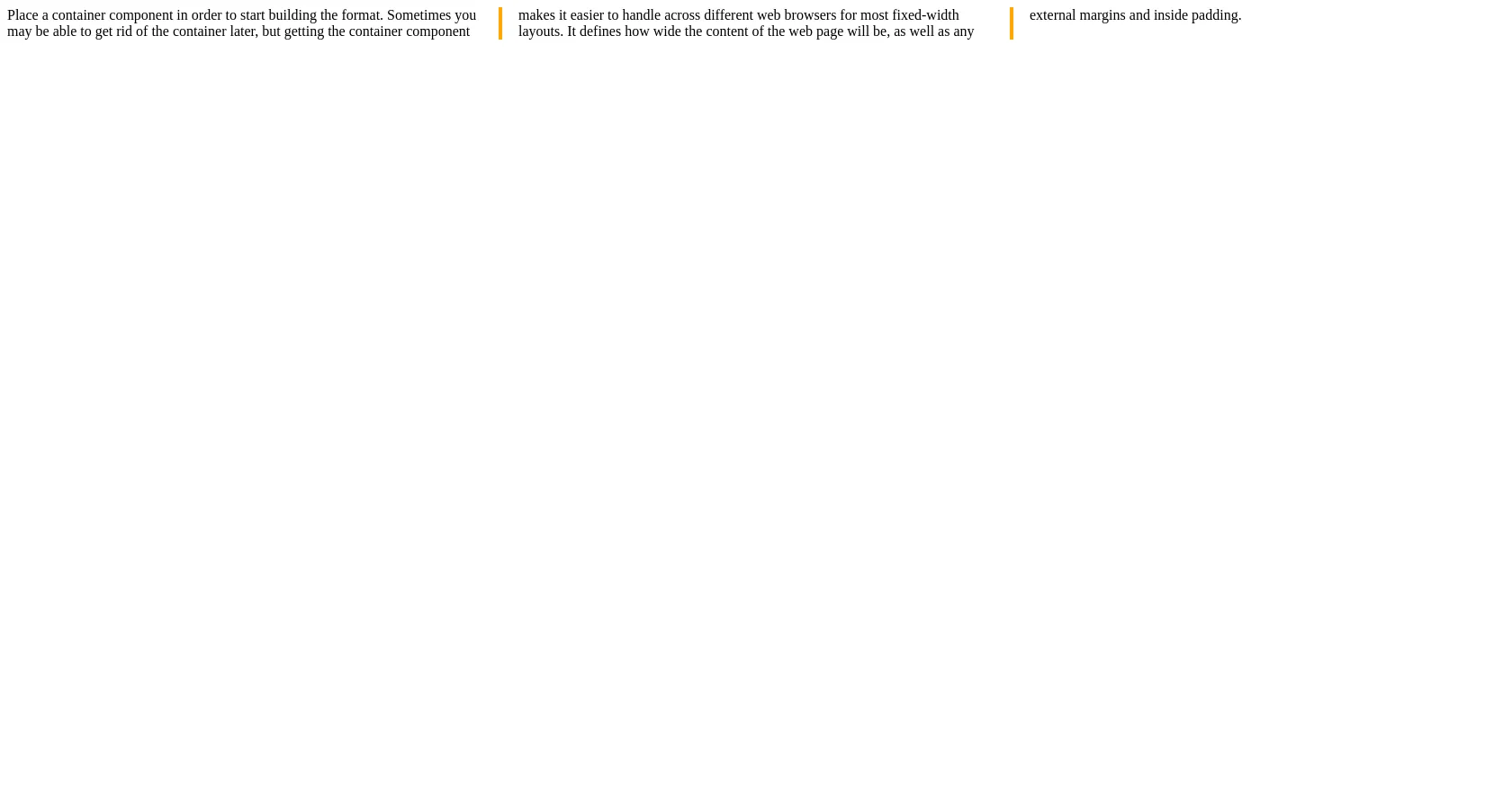
Place a container component in order to start building the format. Sometimes you may be able to get rid of the container later, but getting the container component makes it easier to handle across different web browsers for most fixed-width layouts. It defines how wide the content of the web page will be, as well as any external margins and inside padding.
CSS
Copy
.container { /* Old Chrome, Safari and Opera */ -webkit-column-count: 3; -webkit-column-gap: 40px; -webkit-column-rule-style: solid; -webkit-column-rule-width: 4px; -webkit-column-rule-color: orange; /* Old Firefox */ -moz-column-count: 3; -moz-column-gap: 40px; -moz-column-rule-style: solid; -moz-column-rule-width: 4px; -moz-column-rule-color: orange; /* Standard syntax */ column-count: 3; column-gap: 40px; column-rule-style: solid; column-rule-width: 4px; column-rule-color: orange; }
JS
Copy
/* Replace with your JS Code (Leave empty if not needed) */