WEBLEB
Home
Editor
Login
Pro
English
English
Français
Español
Português
Deutsch
Italiano
हिंदी
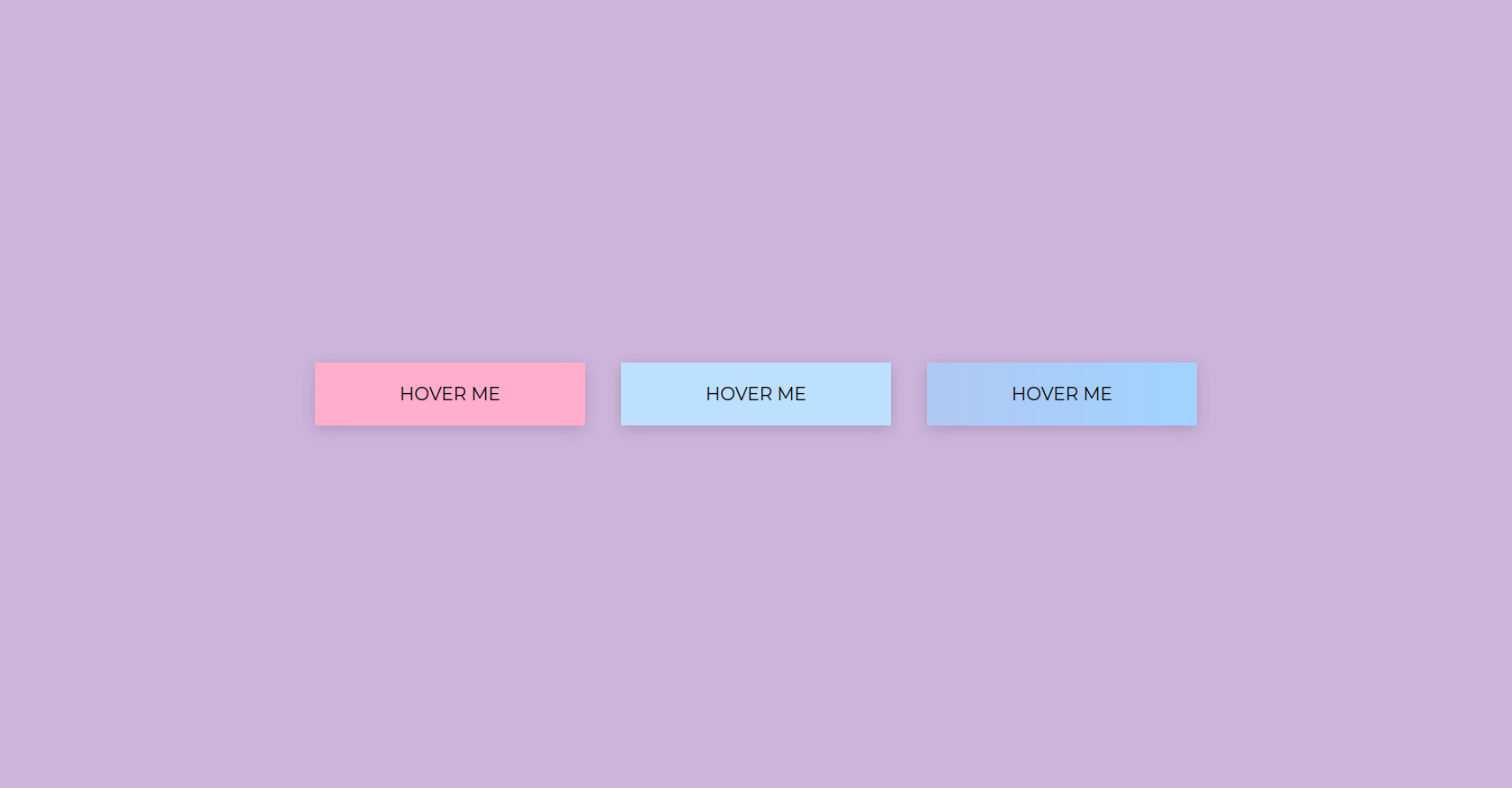
HTML Button Hover Effects Example
516
Primes
Open In Editor
Publish Your Code
Recommended
26 May 2025
Admin Dashboard HTML CSS
13 October 2025
CSS Animation Container HTML Elements
1 March 2025
Developer Website HTML CSS Template
HTML
Copy
BUTTONS
HOVER ME
HOVER ME
HOVER ME
CSS
Copy
:root { --x1: rgb(205, 180, 219); --x2: rgb(255, 200, 221); --x3: rgb(255, 175, 204); --x4: rgb(189, 224, 254); --x5: rgb(162, 210, 255); --x6: black } * { padding: 0; margin: 0; box-sizing: border-box; font-family: 'Montserrat', sans-serif; } body{ background-color: var(--x1); align-items: center; justify-content: center; display: flex; min-height: 100vh; } .buttonBox{ gap: 40px; display: flex; } button{ cursor: pointer; } .button1 { width: 300px; height: 70px; background-color: var(--x3); font-size: 20px; border: none; box-shadow: 0 4px 16px 0 rgba(0, 0, 0, 0.15); position: relative; overflow: hidden; } .button1::before { content: ""; position: absolute; top: 0; left: -75px; width: 60px; height: 100%; background: linear-gradient(120deg, rgba(255,255,255,0.05) 0%, rgba(255,255,255,0.5) 50%, rgba(255,255,255,0.05) 100%); transform: skewX(-20deg); pointer-events: none; transition: none; opacity: 0; } .button1:hover::before { animation: shine-move 0.7s; opacity: 1; } .button2{ width: 300px; height: 70px; background-color: var(--x4); font-size: 20px; border: none; box-shadow: 0 4px 16px 0 rgba(0, 0, 0, 0.15); position: relative; overflow: hidden; } .button2::after { content: ""; position: absolute; left: 0; bottom: 0; height: 3px; width: 0; background: var(--x6); transition: width 0.35s cubic-bezier(.4,0,.2,1); } .button2:hover::after { width: 100%; } .button3{ width: 300px; height: 70px; background: linear-gradient(270deg, var(--x1), var(--x2), var(--x3), var(--x4), var(--x5), var(--x1)); background-size: 1400% 1400%; font-size: 20px; border: 2px solid transparent; box-shadow: 0 4px 16px 0 rgba(0, 0, 0, 0.15); animation: rainbow-flow 4s linear infinite; color: var(--x6); transition: filter 0.2s, border-color 0.35s cubic-bezier(.4,0,.2,1); } .button3:hover { border-color: #000; } @keyframes rainbow-flow { 0% { background-position: 0% 50%;} 100% { background-position: 100% 50%;} } @keyframes shine-move { 0% { left: -75px; opacity: 0; } 10% { opacity: 1; } 50% { left: 120%; opacity: 1; } 100% { left: 120%; opacity: 0; } }
JS
Copy
/* Replace with your JS Code (Leave empty if not needed) */